Skip to content
Voice of Asia Philippines
  • Bank
  • E-Commerce
  • E-Wallet

PayMaya

How to Send Money From BDO to Maya (PayMaya)
June 23, 2026 by Alaiza Chesca
Graphic for a tutorial on how to transfer funds from BDO Unibank to Maya (PayMaya), featuring a smartphone and the logos of both companies.

This article covers a step-by-step guide on how to transfer funds from BDO to Maya instantly using the BDO Online app or the BDO Online Banking website.

Categories Tutorials Tags BDO, Maya, PayMaya, Send Money Online

How to Send Money from Maya (PayMaya) to Coins.ph (and Vice Versa)

June 23, 2026 by Alaiza Chesca
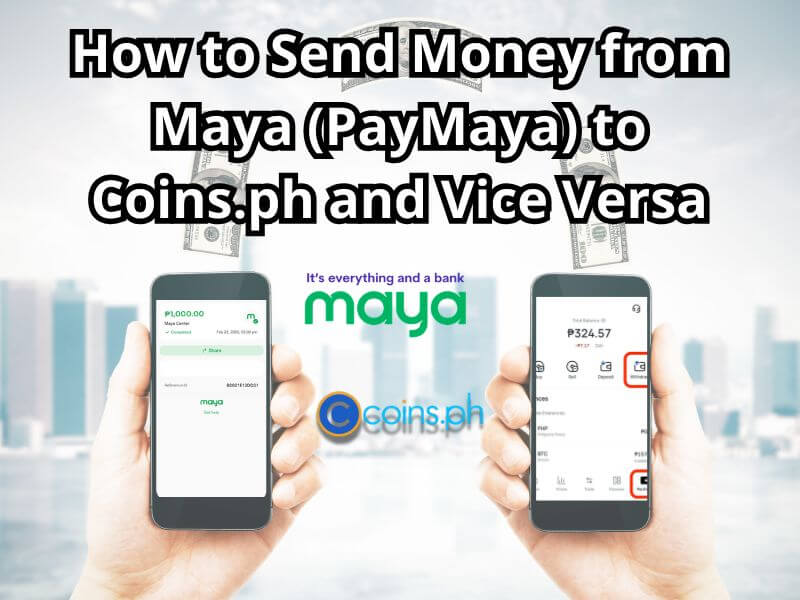
feature image titled "How to Send Money from Maya (PayMaya) to Coins.ph and Vice Versa." The background shows a blurry city skyline. In the center are the Maya and Coins.ph logos.

Check out this quick tutorial on how to send money from Maya (PayMaya) to Coins.ph, for a safe and convenient transaction!
Categories Tutorials Tags Coins.ph, Digital wallets, Maya, PayMaya, Transfer Money

Step by step guide to Paying Your PLDT Bill Online

June 14, 2026 by Alaiza Chesca
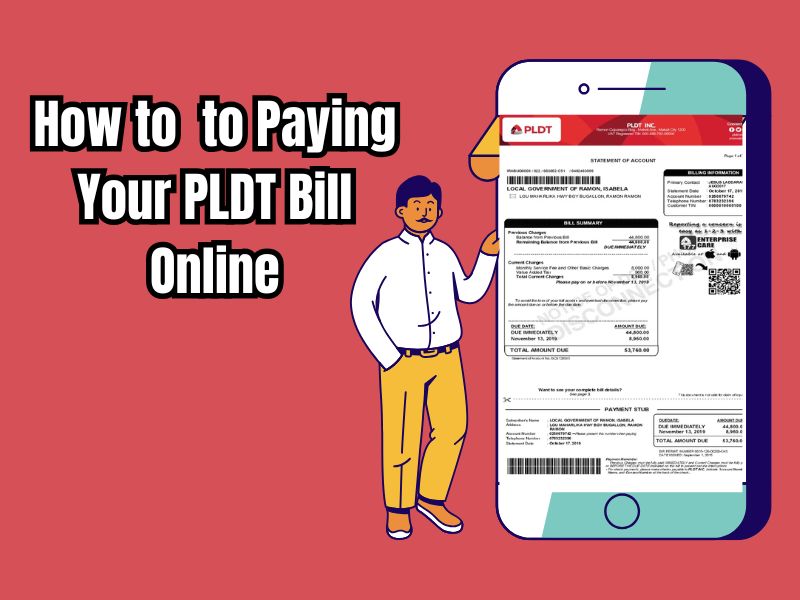
Graphic guide on how to pay a PLDT bill online, showing a man next to a smartphone displaying a PLDT billing statement

Learn how to easily pay your PLDT bills online using PLDT Pay Express, online banking (BDO, BPI), or digital wallets like GCash and PayMaya.
Categories Tutorials Tags GCash, Hotline, Online Banking, Pay Bills, PayMaya, PLDT Bill

How to Transfer Money Easily from PayPal to PayMaya

May 27, 2026 by Alaiza Chesca
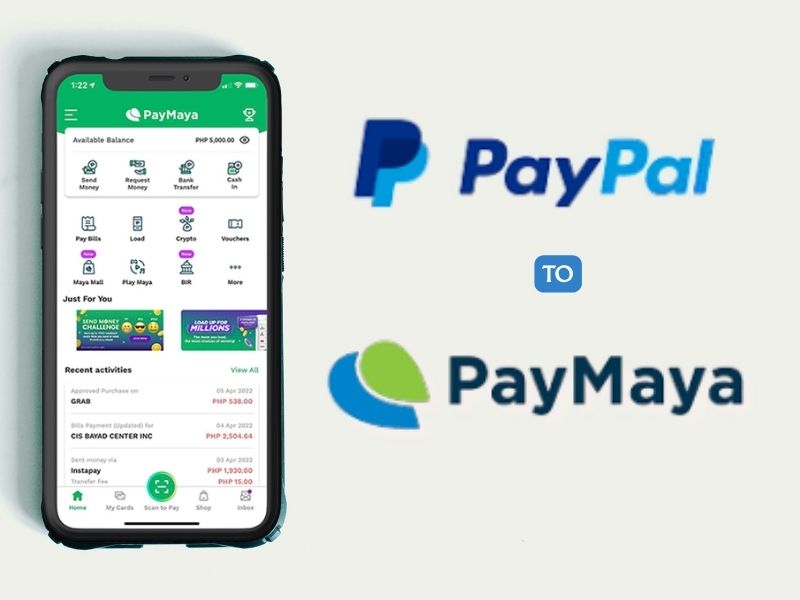
Graphic illustrating how to transfer funds from PayPal to PayMaya, featuring a smartphone showing the PayMaya dashboard alongside both company logos.

For freelancers and businesses, transferring international earnings to a local wallet is crucial. This step-by-step guide will show you how to connect your PayPal account to a PayMaya virtual card and easily transfer your funds for everyday use.
Categories Tutorials Tags Hotline, Maya, PayMaya, PayPal, Tutorials

17 Ways to Contact Maya, Choose the Most Convenient Way for You!

May 29, 2025July 2, 2024 by Kay Ygnacio
How to Contact Maya for Customer Service

Contacting Maya is currently very easy. You can contact them via the Maya Customer Hotline at (+632) 8845-7788 or at 1800-1084-57788. In addition, you can also contact Maya via email, social media or by visiting their office in person.

Categories CS, E-Wallet Tags Contact Us, Customer Service, Hotline, Maya, Maya App, PayMaya
  • HTML Sitemap
  • Disclaimer
  • Privacy Policy
  • Terms and Conditions
© 2026 Voice of Asia Philippines • Built with GeneratePress