Skip to content
Voice of Asia Philippines
  • Bank
  • E-Commerce
  • E-Wallet

Coins.ph

How to Send Money from Maya (PayMaya) to Coins.ph (and Vice Versa)
June 23, 2026 by Alaiza Chesca
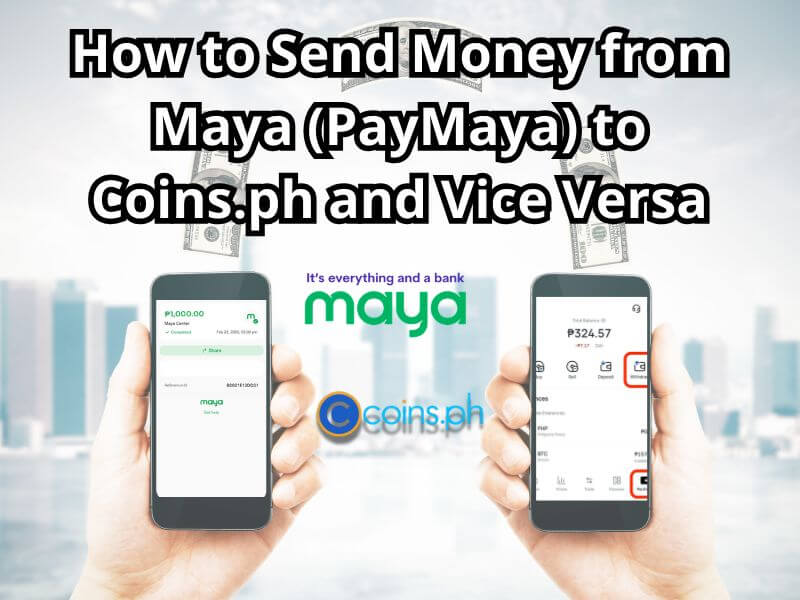
feature image titled "How to Send Money from Maya (PayMaya) to Coins.ph and Vice Versa." The background shows a blurry city skyline. In the center are the Maya and Coins.ph logos.

Check out this quick tutorial on how to send money from Maya (PayMaya) to Coins.ph, for a safe and convenient transaction!

Categories Tutorials Tags Coins.ph, Digital wallets, Maya, PayMaya, Transfer Money

Easy Ways to Transfer Money from GCash to Coins.ph (and Vice Versa)

June 6, 2026 by Alaiza Chesca
GCash to Coins.ph fund transfer illustration with mobile phone icons.

An easy guide to transferring money GCash to Coins.ph and vice versa for free via InstaPay. Learn how to send funds quickly, verify your account, and solve any transaction delays.

Categories Tutorials Tags Coins.ph, GCash, Hotline, InstaPay, Transfer Money, Tutorials

12 Ways to Contact Coins.ph, Using Phone or Chatbot Are Both Easy!

May 30, 2025July 3, 2024 by Kay Ygnacio
How to Contact Coins.ph

Contacting Coins.ph is currently very easy. You can contact them by phone at +63 917 118 6340 (Globe), +63 919 062 6078 (Smart) and at (02) 8822 6467 (882-COINS) for Landline. Additionally, you can also contact Coins.ph via email or their social media.

Categories CS, E-Wallet Tags Blockchain Wallet, Coins.ph, Coins.ph App, Coins.ph Customer Support, Customer Service
  • HTML Sitemap
  • Disclaimer
  • Privacy Policy
  • Terms and Conditions
© 2026 Voice of Asia Philippines • Built with GeneratePress