
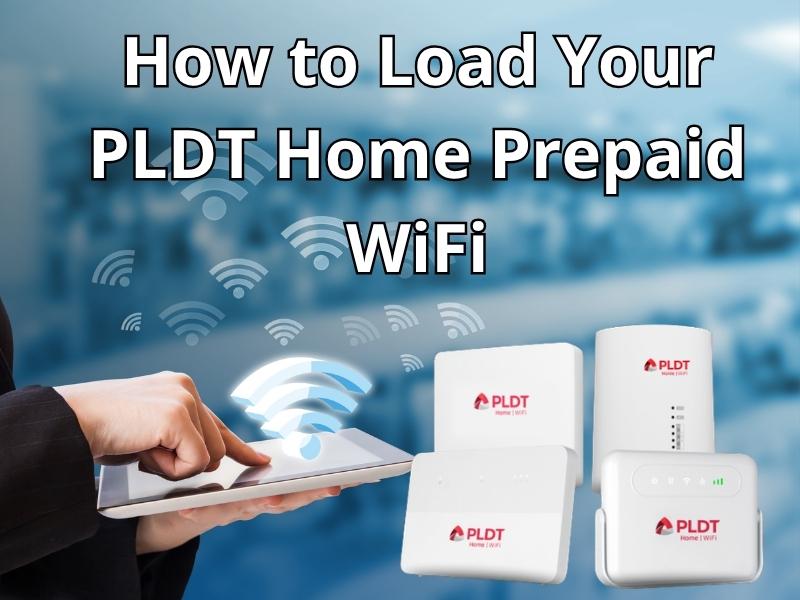
This article will discuss how to load your PLDT Home Prepaid Wi-Fi. Learn more here!
PDLT Wi-Fi is a wireless internet service provided by the Philippines’ largest telecommunications company, PLDT. This service is popular in the Philippines because it is very convenient for families who need internet at home, those who don’t have fiber optic cable, or those who want to control their monthly internet costs without being tied to a long-term contract.
PDLT Wi-Fi offers two service systems: a prepaid service, with no monthly contract. Users purchase a modem for a one-time payment and then top up their internet quota (such as FamLoad) using their credit as needed. The postpaid service uses a fixed monthly billing system with speeds and quotas specified in the contract.
How to check PLDT Home Prepaid Wi-Fi number
Before topping up, you need to know your PLDT Home Prepaid Wi-Fi number. Here’s how to check it:
- Check the sticker. The 11-digit number is usually printed on a sticker on the body or bottom of the modem.
- Check the dashboard. Connect your phone to Wi-Fi, open a browser, then access 192.168.1.1 or
How to Load Your PLDT Home Prepaid WiFi
Just like topping up your mobile phone number, buying credit for your PLDT Home Prepaid WiFi is also easy, as long as you know where and how.. To top up your PLDT Home Prepaid WiFi, there are several methods you can use:
Method 1: Using the Maya app
Here are the steps to top up your PLDT Home Prepaid WiFi use a Maya app:
- First, open your Maya app.
- Then, select the Load or Shop menu.
- Then, click the Others or Wireless tab.
- Find and select PLDT Prepaid Home WiFi.
- Next, enter your PLDT WiFi number (11 digits).
- Finally, select your desired data plan (e.g., FamLoad).
- Wait a moment for the transaction to be successful, and you will receive a notification.
Method 2: Using the GCash app
Besides Maya, you can also use the GCash app. GCash is one of the most popular digital payment methods in the Philippines. Here are the steps:
- First, open your GCash app.
- Then, select the Buy Load menu.
- Then, enter your PLDT WiFi number and click Next.
- Next, scroll to the right and select the Broadband category.
- Select the PLDT Home or FamLoad package variant.
- Finally, select the desired package and click Buy Now.
- Please wait a moment for your request to be processed.
Method 3: Through Retail Outlets
In addition to using a digital wallet, a third method you can use if you don’t have a digital wallet is to purchase regular credit (Smart/TNT Load) at a physical store. Visit your nearest 7-Eleven, Smart Store, or grocery store (Sari-Sari Store). Here’s how:
- First, purchase regular credit (Regular Load) for your PLDT WiFi number.
- Then, once the credit is received, register for a data plan via the PLDT Home App or Smart App.
These are some ways to top up your PLDT Home Prepaid WiFi. If you have any questions or concerns, simply call the PLDT Messanger or Call 171 from a landline or local number. Hope this helps!