
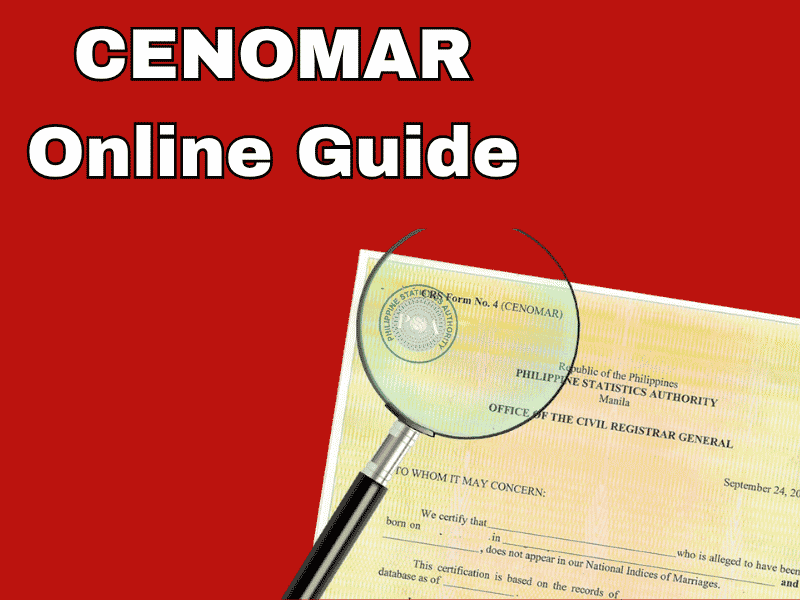
Now you can easily obtain a CENOMAR through their official website. Learn how to obtain a CENOMAR online.
A CENOMAR (Certificate of No Marriage Record) is an official document proving that a person has never been married or is single. This document is issued by the Philippine Statistics Authority, an official government agency in the Philippines.
Why is a CENOMAR important? It can be used as a mandatory requirement if a foreign national wishes to marry abroad or with a citizen of another country. This document is also often requested by embassies for residence visa or engagement visa applications, and can be used as evidence in civil legal cases for immigration or overseas employment.
Information contained in a CENOMAR includes personal data such as full name, place and date of birth, parents’ information, and an examination result containing an official statement from the national database stating there is no active marriage record.
How to Get Your CENOMAR Online
CENOMAR can be applied for online through the official government website. You only need to provide your personal information, such as your full name, place and date of birth, and your parents’ information. Then, visit the PSA Serbilis website or PSAHelpline.ph. Here are the steps for both options:
Option 1, via the PSA Serbilis website:
- Access and Registration
- First, open your browser and visit the official website psaserbilis.com.ph.
- Next, click the register button if you don’t have an account.
- Verify your account via email.
- Then log back into the site.
- Filling out the Form and Application
- Click on the CENOMAR menu.
- Check the data privacy agreement box.
- Fill out the application form and click the next button.
- Then, fill in the certificate owner’s details, such as (full name as per birth certificate, father’s full name, mother’s maiden name, place and date of birth).
- Once finished, select the purpose of the document.
- Confirmation and Reference Number
- Recheck all the data you have entered.
- Click the submit button if it is correct.
- Save the reference number as this number will be used for payment and status tracking.
- Finally, the Payment Process
- Choose your preferred payment method, such as credit card, e-wallet, or through a partner outlet.
- Then, pay according to the invoice and save your proof of payment. Your document will be sent to your address within an estimated 4-9 business days, depending on the region. International shipping takes an estimated 6-8 weeks via DHL.
Option 2, via the PSAHelpline.ph website. Here are the steps:
- Access and Registration
- First, open your browser and visit the official PSAHelpline.ph website.
- Next, click the Order Now button.
- Select the CENOMAR document type and check the box to agree to the terms.
- Filling in data and verifying identity.
- Click on the CENOMAR menu.
- Select whether you are ordering for yourself or someone else.
- Then, fill in the certificate owner’s details, such as (full name as per birth certificate, father’s full name, mother’s maiden name, place and date of birth).
- Once finished, select the purpose of the document.
- Shipping address and contact information.
- Select the Nationwide Door-to-Door Delivery shipping method.
- Then, enter a clear delivery address, along with an active mobile phone number and email address to receive SMS notifications.
- Confirmation and Reference Number
- Review the details you entered and determine how many copies you need.
- Then, confirm that you will receive the package, and the system will generate a 10-digit reference number.
- Choose payment via e-wallet or the nearest outlet.
- You can also monitor the status of your documents by clicking the check status feature. Estimated delivery time is 3-9 business days, depending on the region.
note: You must show an original official ID that matches the name on your CENOMAR.
These are the steps to apply for CENOMAR online. If you have further questions or problems during processing, please contact CENOMAR customer service or email crs.qvu1@psa.gov.ph, crs.qvu2@psa.gov.ph, crs.qvu3@psa.gov.ph, or crs.staff2@psa.gov.ph.