
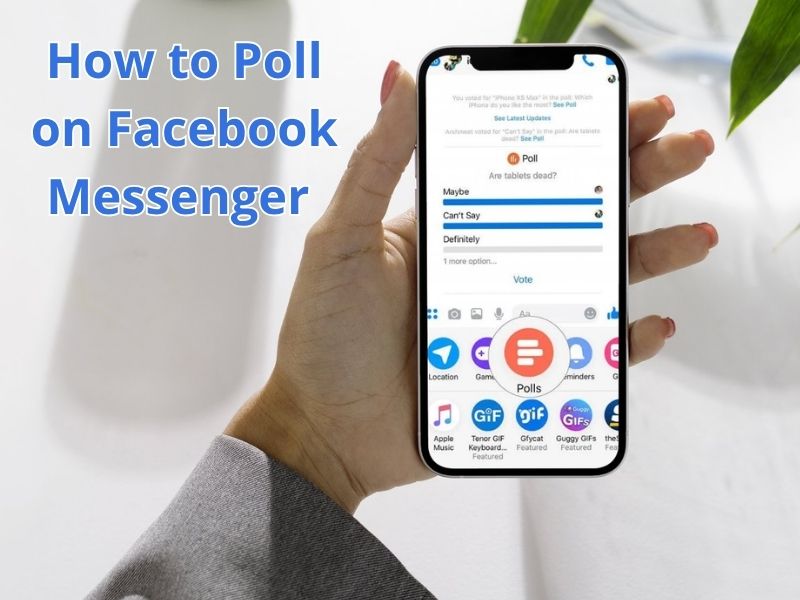
As you know, Messenger has several unique features you can use to enhance your conversations with friends, such as emojis, voice and video calls for up to 10 people. Messenger now also has a polling feature that you can use to invite your friends to share their opinions.
One of the best ways to find out the opinions of a group of people is through a poll. You can easily create a poll using Facebook Messenger, so you don’t need to search for websites that allow you to conduct surveys and polls for free or for a fee. Simply create a poll in Facebook Messenger and ask your friends to vote based on your answers.
However, these polls can only be used in group chats. This article will discuss how to create a poll on Facebook Messenger.
How to Create a Poll on Facebook Messenger
Here are the quick and easy steps to create a poll directly through the Messenger app:
- First, open the Messenger app on your phone.
- Then, select the group chat you want to share the poll with.
- Tap the ‘+’ icon or options icon in the bottom left corner of the screen.
- Then, type the question you want to ask.
- Then, enter the answer by tapping the add option.
- Tap create poll, and your poll will be ready in the section where your friends can respond.
Additional note: You can enable or disable the permission button so that group members can select more than one answer. You can also see who voted by looking at the member’s profile photo icon next to the answer options.
That’s a quick tutorial on creating a poll in the Messenger app. Enjoy using the polling feature to find out what they think. For an official guide on this feature, you can also visit the Messenger Help Center. We hope this helps!