
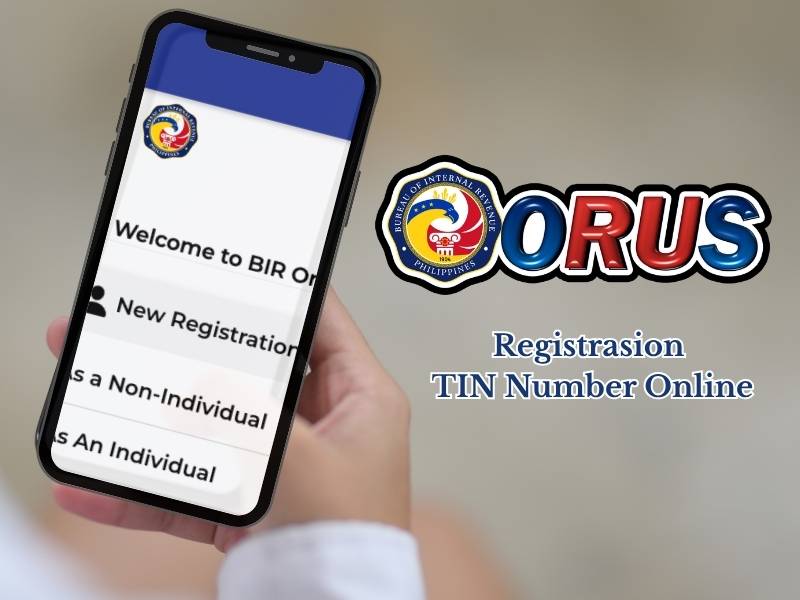
What do you know about TIN Number Online? TIN Number Online Philippines is a service for registering and creating a digital Tax Identification Number (TIN) in the Philippines without the need to visit a tax office. This service is officially provided by the Bureau of Internal Revenue (BIR) through an online system called ORUS (Online Registration and Update System).
How to Get a TIN Number Online
Obtaining a TIN number is now much easier through the official ORUS (Online Registration and Update System) website of the BIR, eliminating the need to wait in long lines at physical tax offices. Simply visit the ORUS website or click here.
Here’s a guide to obtaining a TIN number online:
Step 1: Prepare the Required Documents
Before opening the website, make sure you have the following documents ready in digital format (JPEG or PDF, maximum size 25 MB):
- One Valid Government ID: (Example: PhilID/National ID, Passport, Driver’s License, UMID, or Voter’s ID).
- Selfie Photo: A clear photo of yourself holding the government ID for facial verification.
- Active Email Address: Ensure the email address you use is active and accessible, as it will be used for account verification and TIN number delivery.
Step 2: Create a New Account on the ORUS Portal
To do this, open your browser and access the official website at bir.gov.ph. On the main page, find and click the New Registration button, then select the Individual option, and click Create an Account.
Step 3: Select Taxpayer Category
Read the terms and conditions sheet, then click Agree. When asked about your tax status, select the option “I don’t have a TIN yet.” Then, select the category that corresponds to your current status.
Step 4: Fill Out the Personal Information Form
Enter your personal information accurately according to your government ID (full name, date of birth, gender, and marital status). Enter your active email address and create a strong password for your ORUS account.
Step 5: Verify Email
Open your registered email inbox or spam folder. Look for an official email from the Bureau of Internal Revenue (BIR), then click “Verify Your Account.”
Step 6: Complete the Tax Registration Application
Once your email is verified, log in to the ORUS website using your email address and password. Click the “New Registration” menu. The system will display an electronic application form (such as Form 1901, 1902, or 1904, depending on the category you selected in Step 3). Fill in all the requested information correctly and upload it.
Finally, Step 7: Wait for the review process and retrieve your TIN (Digital Tax ID). This process generally takes about 3 business days. You can also print it from the “Get Your Digital TIN ID” menu, upload a 1×1 profile photo with a white background, and download your official digital TIN card for free. This card is valid and includes a QR code for various verification purposes.
Easy, right? In just a matter of days, you can have an official TIN number and download your Digital TIN ID from home, free of charge. By following the steps above, you no longer need to waste time and energy queuing at the tax office.
Don’t hesitate to share this article with your friends or family who are still having trouble getting a TIN number online. We hope this helps!